
Offer online courses to your members with the Courses for Membership Add On for Paid Memberships Pro. Choose the Courses for Membership Add On and get these key benefits:
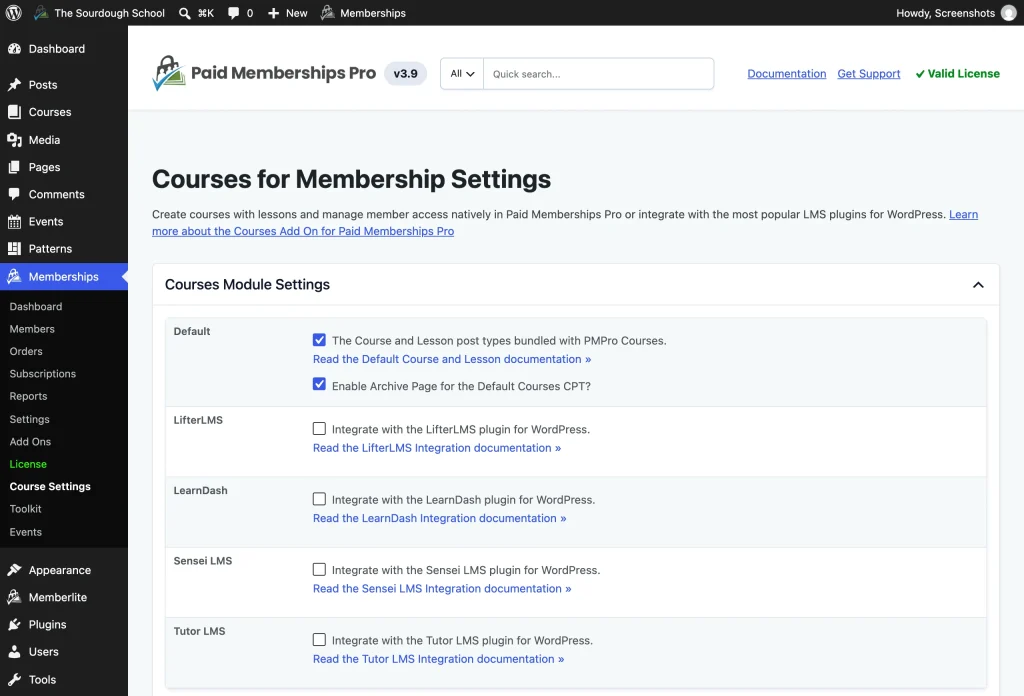
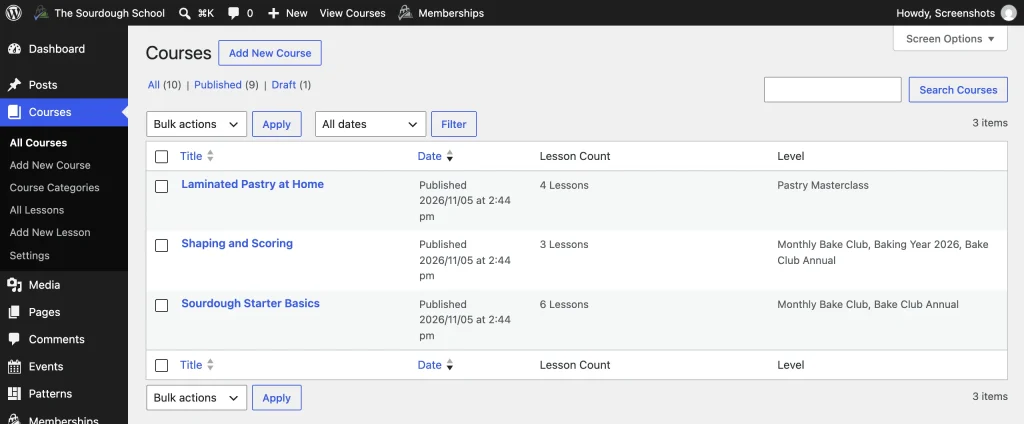
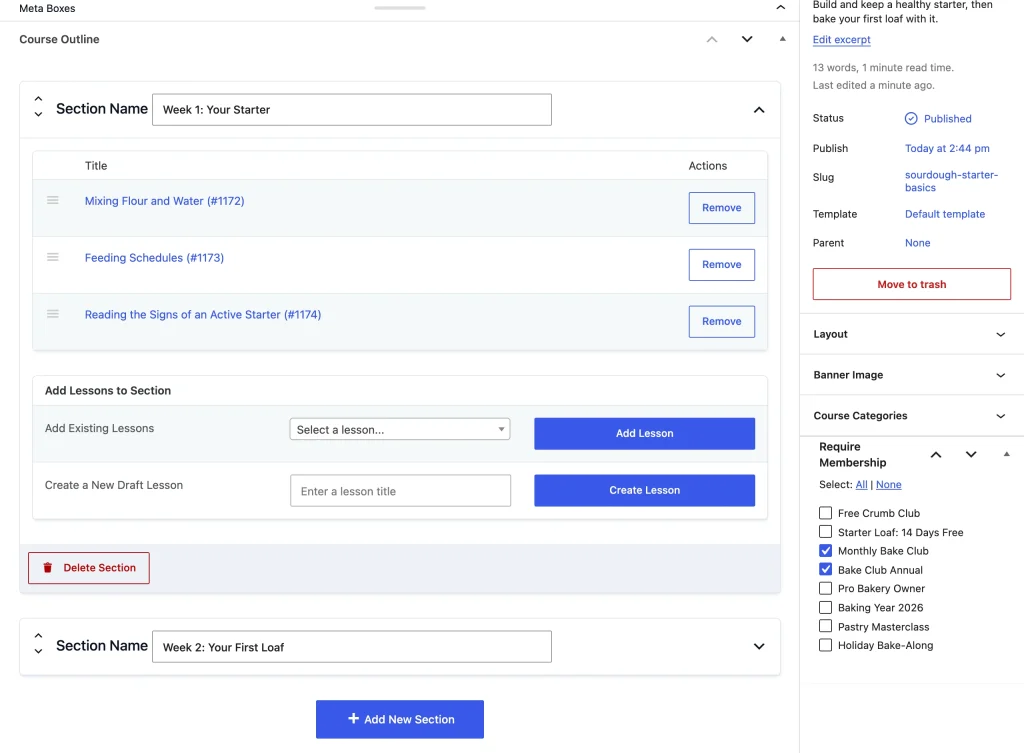
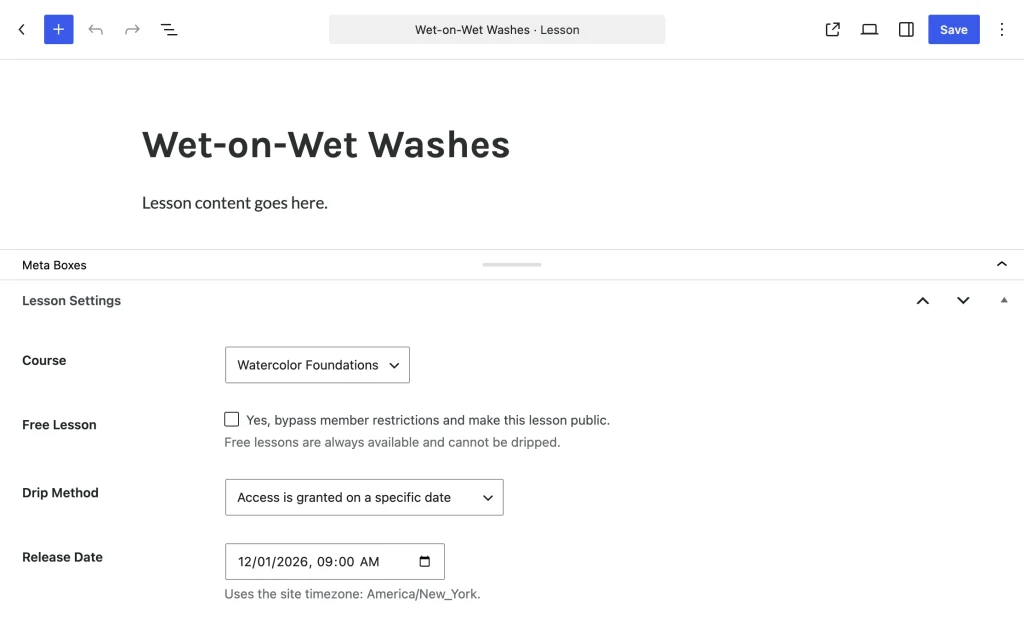
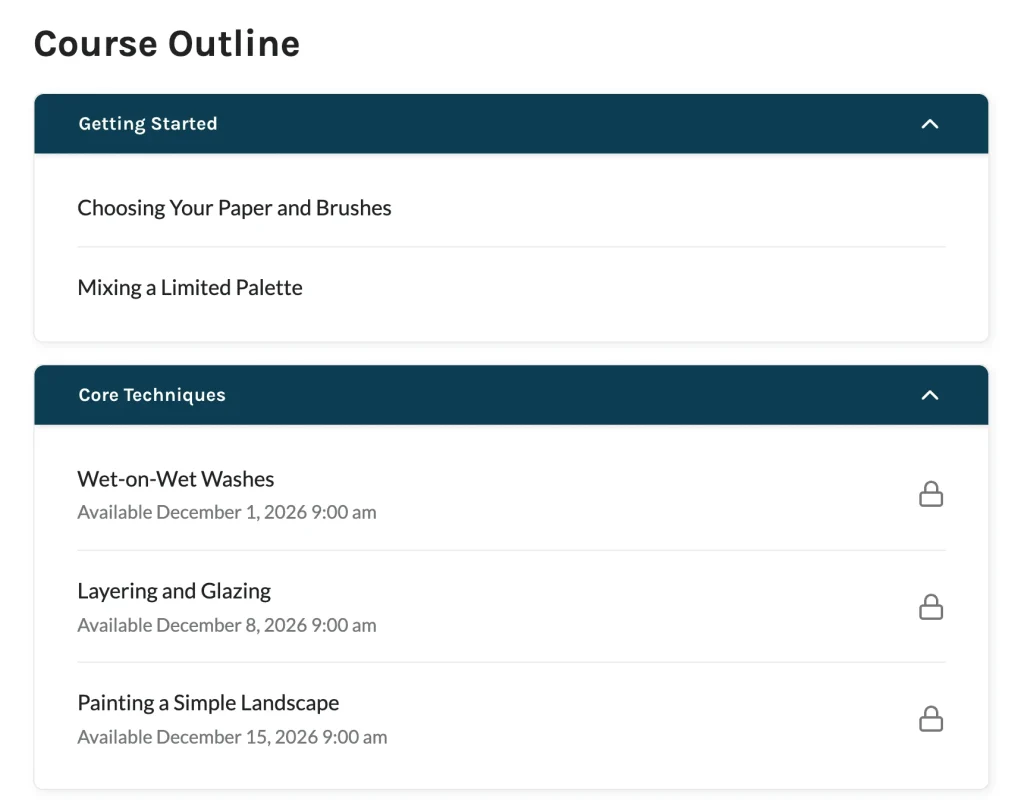
- Native Course Features: Create and organize basic courses with ease. Our intuitive interface allows you to design compelling courses, complete with lessons and rich media content, without needing any technical expertise. Release lessons on a schedule by setting a date for each one.
- Integration with WordPress LMS Plugins: Already using LifterLMS, LearnDash, Sensei LMS, or Tutor LMS? Restrict those courses by membership level. Members are enrolled in the courses for their level when they join, and non-members can’t enroll themselves in a restricted Sensei LMS or Tutor LMS course.
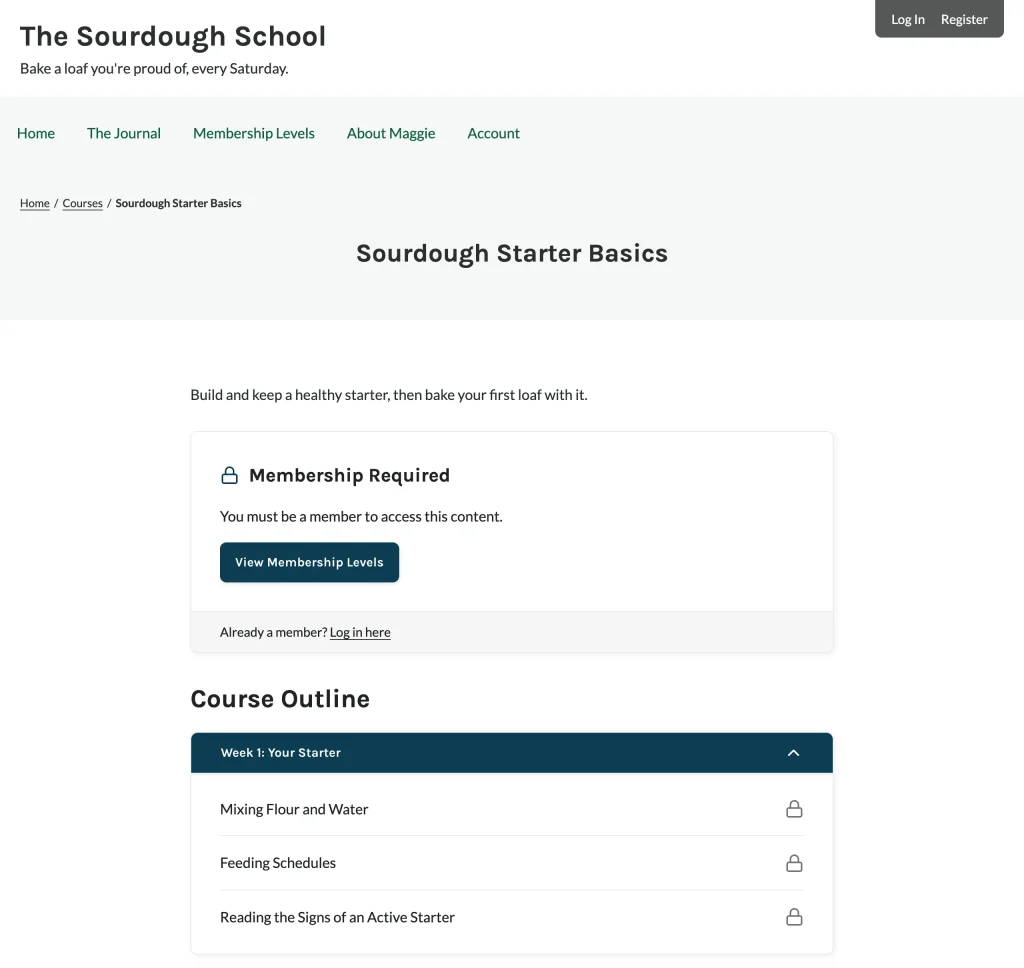
- Versatile Membership Management: Built for true membership sites, where member features are more than just a course. Effortlessly manage member access and customize your content for different membership levels. Lessons follow their course’s membership levels, so a lesson in a restricted course stays locked on the lesson page, in the REST API, and in RSS feeds.
- Cost-Effective Solution: Courses for Membership is a free Add On, so you can create and manage online courses without paying for a separate LMS plugin.
Explore our Courses Hub for more information about launching your Course membership website.
Try a Demo: View the Courses demo site or launch a free private demo now.
Courses for Membership Add On Documentation
Screenshots
Free Add On
Works with the free Paid Memberships Pro plugin. No paid plan needed. Create a free account or log in to download it and read the documentation.

