When a member’s subscription cancels or expires, Paid Memberships Pro simply removes their membership level. It does not automatically put them anywhere else.
This recipe covers three ways to assign a former member to a new level instead of leaving them without one.
Do You Need This Recipe?
This recipe is useful if you want former members to land somewhere specific after their membership ends, rather than having no level at all. Common reasons to use it:
- Your site has a free membership level, and you want cancelled or expired premium members moved there automatically.
- You want to move former members to a hidden level so you can target them later with winback campaigns or email sequences.
- You want members who are already on your free or default level to be able to cancel out of membership entirely, instead of being reassigned right back to that level.
If you are fine with former members simply having no level, or you already handle reassignment another way, you do not need this recipe.
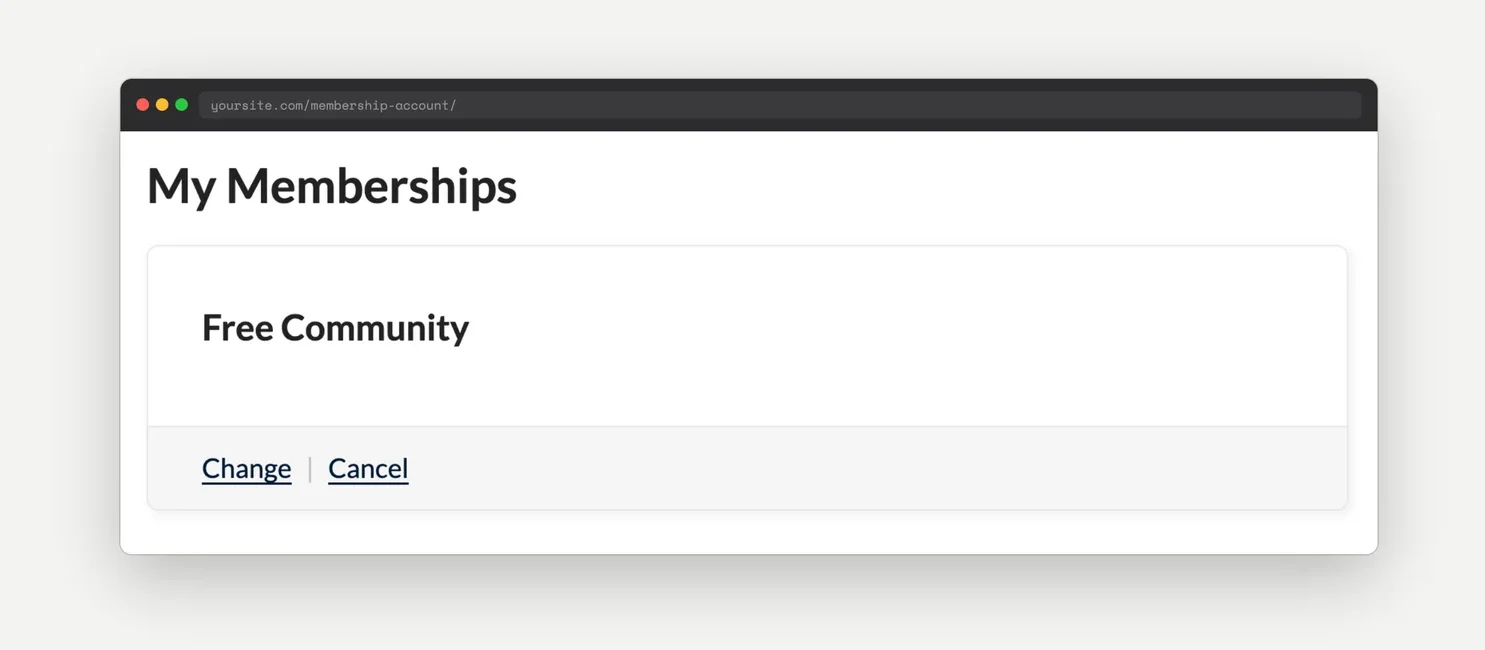
Here is what a member sees on their account page after the recipe moves them to a free level:
Best Practices and Considerations
Pick one approach, not several. Recipes 1 and 3 hook into pmpro_after_change_membership_level, which fires for both manual cancellations and scheduled expirations. Recipe 2 hooks into pmpro_membership_post_membership_expiry, which only fires from PMPro’s scheduled expiration process, not from a manual cancellation. On an actual expiration, PMPro’s expiration process triggers both hooks for the same event, since it cancels the level internally before firing the expiration-specific hook. Running Recipe 2 alongside Recipe 1 or Recipe 3 will not break anything, pmpro_changeMembershipLevel() simply runs twice, but it is redundant. Use Recipe 2 only if you specifically want manually canceled members to lose access immediately while expired members land on your default level.
Multiple membership levels are respected. All three recipes check pmpro_hasMembershipLevel() before downgrading a user, so a member who holds more than one membership level at once, if your site uses PMPro’s multiple levels feature, keeps their other level instead of being moved to the default.
Set the level ID before going live. Each snippet defaults to level ID 1. Confirm that ID is actually the free or hidden level you want to assign, not a placeholder left over from the snippet.
About the Code Recipe
Recipe 1: Change Level on Cancellation or Expiration
Understanding the pmpro_after_change_membership_level hook
The pmpro_after_change_membership_level action fires whenever a user’s membership level changes, including cancellations and expirations. It passes three values: the level ID the user is changing to, the user’s ID, and, when the change is a cancellation, the ID of the level they are canceling from.
How this recipe works
This code recipe hooks into pmpro_after_change_membership_level and checks whether the change is a cancellation or expiration (the new level ID is 0) and whether PMPro has told it which level the user cancelled from. If the user still holds another membership level, the recipe leaves them alone. Otherwise, it assigns the user to level 1 using pmpro_changeMembershipLevel().
Recipe 2: Change Level on Expiration Only
Understanding the pmpro_membership_post_membership_expiry hook
The pmpro_membership_post_membership_expiry action fires only when PMPro’s scheduled expiration process expires a membership, not when a member manually cancels. It passes the user’s ID and the ID of the level that expired.
How this recipe works
This code recipe hooks into pmpro_membership_post_membership_expiry so members who manually cancel lose access immediately, while members whose subscription expires get moved to level 1 instead. It checks the $pmpro_next_payment_timestamp global first, so a member with a future payment already scheduled is not reassigned.
Recipe 3: Allow Cancellation From the Default Level
This is a variant of Recipe 1 for sites that want members to be able to genuinely cancel out of the free or default level, instead of always being reassigned back to it. It uses the same pmpro_after_change_membership_level hook as Recipe 1, with one addition: before reassigning the user, it checks whether the level they are cancelling from is already the default level. If it is, the recipe lets the cancellation go through instead of putting them right back on that level.
The Code Recipe
Recipe 1: Change Level on Cancellation or Expiration
Recipe 2: Change Level on Expiration Only
Recipe 3: Allow Cancellation From the Default Level
Adding the Recipe to Your Website
You can add this recipe to your site by creating a custom plugin or using the Code Snippets plugin available for free in the WordPress repository. Read this companion article for step-by-step directions on either method.
How to Customize This Code Recipe
- Change the default level (Recipe 1, line 33): Update the level ID passed to
pmpro_changeMembershipLevel( 1, $user_id )to the level you want to assign after cancellation or expiration. - Change the default level (Recipe 2, line 22): Update the level ID passed to
pmpro_changeMembershipLevel( 1, $user_id )the same way. - Change the default/cancel level (Recipe 3, line 21): Update
$cancel_level_id = 1;to the ID of your free or default level. This is also the level members will be allowed to cancel out of entirely.

Get Support From Our Team of Experts
Have a question about how to use this feature? Our Support Page outlines three ways to get support.
Our Max plans include hands-on help customizing your membership site and implementing new features. Upgrade to PMPro Max now »


